


When I first learned HTML, I thought it was all about memorizing tags. Angle brackets everywhere. Strange keywords. And a quiet fear that if I missed one closing tag, the entire internet would collapse. Spoiler: it didn’t. But that misunderstanding is exactly where most beginners go wrong.
HTML isn’t code in the traditional sense. It’s a language of meaning. It’s how we explain content to the browser in a way it understands. Think of it as having a conversation with the browser, not giving it commands. You’re saying, “This is a heading,” “This is a paragraph,” “This is a form,” and the browser’s job is to turn that into something users can see and interact with.
That’s why HTML stands for HyperText Markup Language. The “markup” part matters. You’re not writing instructions, you’re marking up content. You take human-readable text and wrap it with tags so the browser understands what that text represents. Headings, paragraphs, images, links, lists, tables, forms HTML gives you ready-made tags for all of these. You don’t invent them. You use them as intended.
And here’s something important that beginners often miss: the browser never shows your HTML tags. Users don’t see <p> or <h1>. The browser reads those tags behind the scenes and uses them to interpret your content correctly. That’s why choosing the right tag matters. A paragraph tag is for paragraphs. A list is for lists. HTML is honest like that. Use the wrong tag, and things might still “work,” but they won’t be right.
Once you accept that, HTML suddenly becomes less scary.
Getting started is surprisingly simple. You create an HTML file. You open it in a browser. The browser renders it. That’s the loop. A text editor like VS Code or Sublime Text just makes this process more comfortable by highlighting syntax and helping you spot mistakes faster. They don’t change HTML. They just make it easier for humans to write.
At this stage, one of the most powerful tools you can learn isn’t even a tag. It’s Inspect Element. Being able to right-click a page, inspect it, and see how HTML is structured in the wild is like learning by looking at real blueprints instead of textbook diagrams. Every professional developer does this. Constantly.
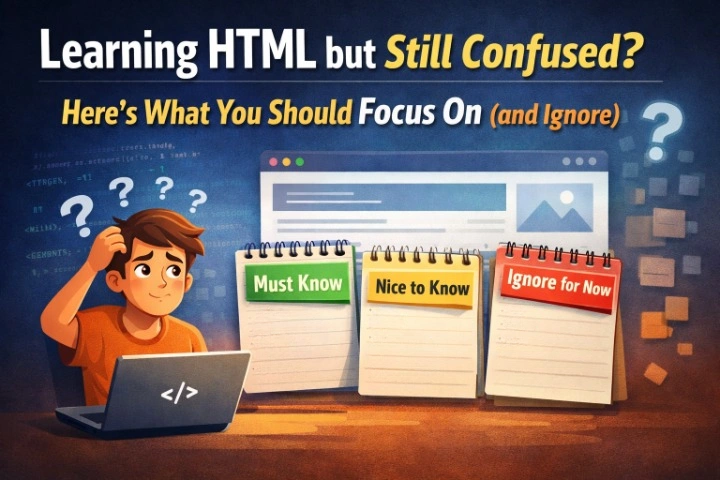
Now let’s talk about something that applies to every technology you’ll ever learn, not just HTML: there are must-to-know concepts, nice-to-know concepts, and things you absolutely don’t need yet.
HTML has hundreds of tags. You do not need to learn them all.
If you master just a small core set, you can build almost anything. The essential structure tags like html, head, title, and body. The building blocks like headings, paragraphs, links, images, and lists. Containers like div and span. Tables and basic form elements. Add style and script for later, and you already have access to over 99% of what real websites use daily.
That’s not an exaggeration. Most production websites are built with a surprisingly small set of tags used correctly.
There are more advanced tags canvas, iframe, nav, section, footer, meta, and others but these belong in the “nice to know” category. They’re valuable, but only once you’ve leveled up. Learning them too early is like studying advanced grammar before you can write a sentence. It looks productive, but it slows you down.
One final lesson I always emphasize: don’t skip the assignments. HTML only makes sense when your hands are on the keyboard. Reading about tags won’t teach you how browsers behave. Writing broken HTML and fixing it will. Every concept builds on the previous one, and rushing ahead without practice is how confusion compounds.
HTML is simple, but it’s not shallow. When learned the right way focused, intentional, and hands-on it becomes the most reliable foundation you’ll ever build on. And once that foundation is solid, everything else in web development becomes easier to understand.
That’s when HTML stops feeling like “beginner stuff” and starts feeling like a quiet superpower.
No responses yet